
Transcript Digest
Paste a YouTube link and get the overview, the takeaways and the points worth arguing with, read straight from the video's own captions.
Visit the live product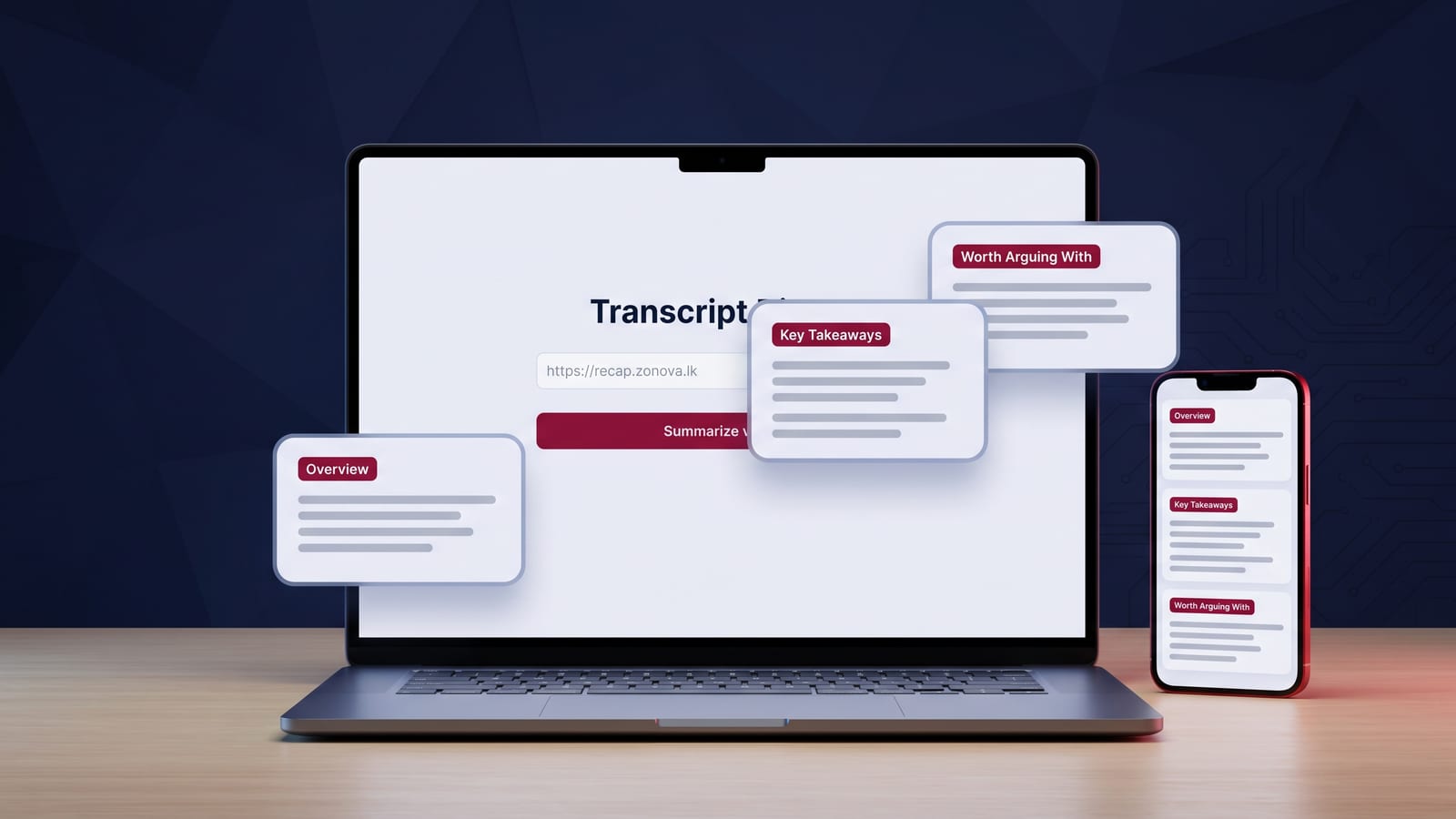
A great deal of what is worth knowing now sits inside hour-long talks, interviews and lectures, most of which are worth about four minutes of anyone's attention. There was no quick way to find out which four minutes before committing the hour.
Highlights
One field in, three things out: an overview, the takeaways worth remembering, and the points worth arguing with
Gemini reads the captions published with the video directly from the URL, so nothing is downloaded, scraped or re-hosted
Shorten or extend the summary, read it in Sinhala, or have it read aloud
No accounts and no database: the result renders in the browser and is gone on reload
Runs entirely on Cloudflare Workers, so there is no server to keep alive and no per-user cost
Free to use, with the summary honestly flagged as a map rather than the territory
The idea
Most of what is worth knowing has moved into video, and video is a terrible format for finding out whether something is worth your time. An hour-long talk usually contains about four good minutes. Transcript Digest exists to find out which four, before you commit the hour.
What we built
The whole interface is one field. Paste a public YouTube URL, press the button, and the page returns three things: a short overview of what the video is about, the takeaways worth remembering, and the points worth arguing with, because a summary that only agrees with its source is not much of a reading.
From there the summary is yours to work with. Shorten or extend it, read it in Sinhala, have it read aloud, or copy it somewhere else.
How it works
Google’s Gemini model reads the captions the video already carries, directly from the URL. The video is never downloaded and never re-hosted, nothing is scraped, and nothing is stored. The result is rendered in your browser and is gone the moment you reload.
That design has a pleasant consequence: there is no database, no session and no account, which means there is nothing to leak and nothing to delete. The whole thing runs on Cloudflare Workers, so there is no server to keep alive between requests.
Honest about the limits
The summary is a machine’s reading of a transcript. It is usually good and it is occasionally confidently wrong, and the site says so plainly rather than burying it: treat the digest as a map, not the territory.
The result
A free tool that makes long-form video usable for people who would rather read, who are on a slow connection, or who are more comfortable in Sinhala than in English, with no account to create and nothing to escape from afterwards.
Want an AI feature built into your product? Let’s talk.
The stack
Long-form video made usable for people who would rather read, who are on a slow connection, or who are more comfortable in Sinhala than in English, with no signup in the way.
Have something similar in mind?
Tell us what you want to build. You'll talk to the people who'd build it.